.gitignore Generator
Tick Your Stack, Get the File
One clean .gitignore for everything you use. Pick languages, frameworks, editors and operating systems and get a single commented, de-duplicated file, with a checker that shows which line ignores a path. 100% client-side. Zero data stored.
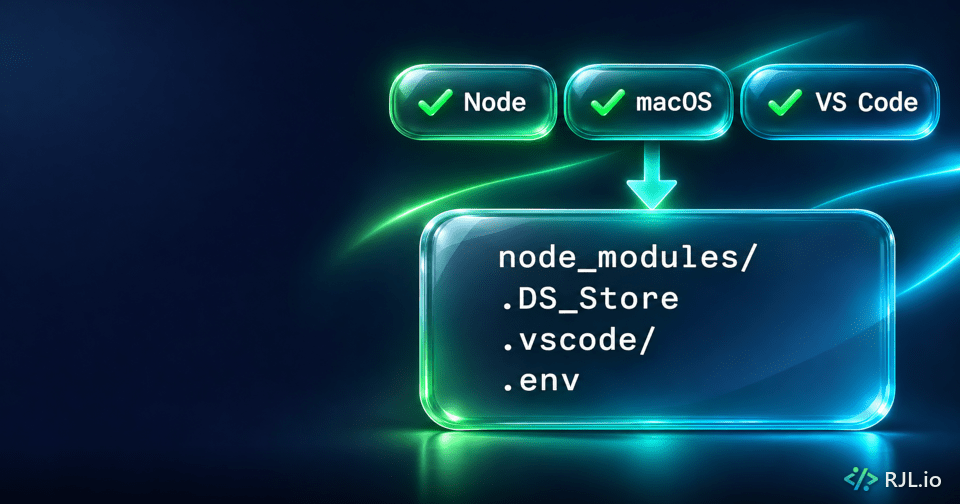
.gitignore Generator Tool
Choose What to Ignore
.gitignore
Some browsers will not save a file whose name starts with a dot. If the download arrives as gitignore.txt, rename it to .gitignore in the root of your repository.
Save it as .gitignore in the root of your repository (the folder that holds .git).
Would Git Ignore This Path?
Type a path to test it against the file above, using Git's own rules. End a folder with a slash.
Type a path to see if it is ignored.
Common Use Cases
Start a New Repository
Pick your language, framework and editor before the first commit, so dependencies and build output never enter the history.
Keep Secrets Out
Tick Secrets and .env files so passwords and API keys stay on your machine, while an .env.example with fake values stays in the repository.
Mixed Teams
When one person uses macOS and VS Code and another uses Windows and IntelliJ, tick all of them so nobody commits .DS_Store or .idea by accident.
Monorepos and Full-Stack Apps
Combine Node, Python, Terraform and Docker in one file. Repeated lines such as build/ and node_modules/ appear once.
Clean Up an Old File
Paste your own lines in the custom box and the checker flags negations that cannot work, a pattern that ignores everything and stray backslashes.
Find Out Why a File Is Ignored
Type a path in the tester and it names the exact line that ignores it, or explains that a parent folder is excluded.
.gitignore Pattern Reference
Pattern Syntax
| Pattern | What it matches |
|---|---|
| *.log | Any file ending in .log, in any folder |
| build/ | A folder named build (and everything in it), not a file named build |
| /todo.txt | Only todo.txt at the top of the repository |
| doc/*.txt | Text files directly in doc, not in doc/server |
| **/cache | A cache file or folder at any depth |
| logs/** | Everything inside logs |
| file[0-9].txt | A character class: file0.txt to file9.txt |
| !keep.log | Negation: track keep.log even if an earlier line ignored it |
| \#notes | A backslash makes a leading # or ! literal |
Where to Put Ignore Rules
- .gitignore in the repository: rules the whole team shares, such as build output and dependencies.
- .git/info/exclude: rules only for you in one repository, never committed.
- ~/.config/git/ignore (or the file named by core.excludesFile): rules for every repository on your machine, a good home for editor and operating system files.
- .dockerignore: a different file with similar syntax that controls what goes into a Docker build.
Already Committed a File?
Ignoring does not remove it. Untrack it, then commit:
git rm --cached .env
The old copy stays in earlier commits. If it held a real secret, treat the secret as exposed and replace it.
Negation with !
A line starting with ! re-includes a path that an earlier line ignored. The last matching line wins, so the ! line must come after the pattern it undoes.
The folder trap
You cannot re-include a file when its folder is excluded. logs/ then !logs/keep.txt fails. Use logs/* then !logs/keep.txt instead.
Trailing slash
node_modules/ matches only folders. node_modules without the slash would also match a file with that name. A slash in the middle or at the start anchors the pattern to the repository root.
Lockfiles stay
package-lock.json, yarn.lock, Gemfile.lock, composer.lock and go.sum are not ignored. They make installs repeatable, so commit them.
The pattern sets are written for common, conservative defaults and are not a complete list for every project. Read the result before you commit it, and remove a line if you keep that kind of file on purpose, for example built files in dist/. The tool cannot see your repository, so it cannot tell you which files are already tracked.
Frequently Asked Questions
A plain text file in your repository that lists patterns for files Git should not track, such as installed dependencies, build output, logs, editor settings and secrets. Git reads it from the folder it sits in and every folder below. Each line is one pattern, and lines starting with # are comments.
Because Git was already tracking it. An ignore rule only affects files Git does not know about yet. Run git rm --cached on the file (or git rm -r --cached for a folder), commit, and from then on the rule applies. Use the path tester above to confirm the rule matches the file.
No. Ignoring only stops new tracking. Every earlier commit that contains the file still has it, and anyone who cloned the repository can read it. If a password or key was committed, change it right away, then clean the history with a tool built for that, such as git filter-repo. Ignoring .env before the first commit is the cheap fix.
Yes. They usually hold passwords, tokens and API keys, which must not be in a repository, public or private. Ignore .env and .env.* and commit an .env.example with fake placeholder values so the team knows which variables to set. The Secrets and .env files option does this with a ! line that keeps the example tracked.
It negates a pattern: the path is tracked again even if an earlier line ignored it. For example *.log followed by !important.log ignores every log except important.log. The last matching line wins, so the ! line must come later. It cannot rescue a file inside an ignored folder: write logs/* rather than logs/ if you need !logs/keep.txt.
A trailing slash limits the pattern to folders. build/ ignores a folder called build and everything under it, but not a file named build. Without the slash the pattern matches both. A slash at the start (/build) or in the middle (src/build) additionally pins the pattern to one place instead of any depth.
No, for applications. A lockfile records the exact versions you tested, so every machine and the build server install the same thing. These pattern sets leave package-lock.json, yarn.lock, pnpm-lock.yaml, Gemfile.lock, composer.lock, poetry.lock, go.sum and Package.resolved alone. Some library authors leave Cargo.lock out of version control; that is a choice you make, not a default.
Either works. Many teams add them to the project file so nobody commits .DS_Store or .idea by accident. Others prefer a personal global ignore file (core.excludesFile) so the project file stays about the project. If you pick the global route, paste the macOS, Windows, Linux and editor sections from here into that file instead.
No. The file is built in your browser with JavaScript. Your own lines and the paths you test are never sent, logged or stored, and the tool keeps working offline once the page has loaded.
Why We Built This .gitignore Generator
Most .gitignore files are copied from the last project and never read again. They miss the folder your new framework creates, ignore files you actually need, or leave a .env sitting one careless git add away from a public repository. We wanted a file you assemble from what you really use, with every line explained.
Pick your languages, frameworks, editors and operating systems and the generator merges the pattern sets, removes repeated lines and keeps the comments. A checker warns about negations that cannot work, and the path tester shows which line ignores a file, so a rule is never a guess. Everything runs in your browser and nothing you type is sent anywhere.
The .gitignore Generator is part of RJL.io's collection of free developer tools. Convert container commands with the Docker Run to Compose tool, validate pipelines with the GitHub Actions Validator, and set file modes with the Chmod Calculator.