Data Format Converter
JSON, XML, YAML and TOML
Convert between any two of JSON, XML, YAML and TOML in one place. Paste data, the format is detected, and errors point to the line and column. XML attributes are kept, and an XML sitemap is spotted and linked to the Sitemap Analyzer. Nothing is uploaded.
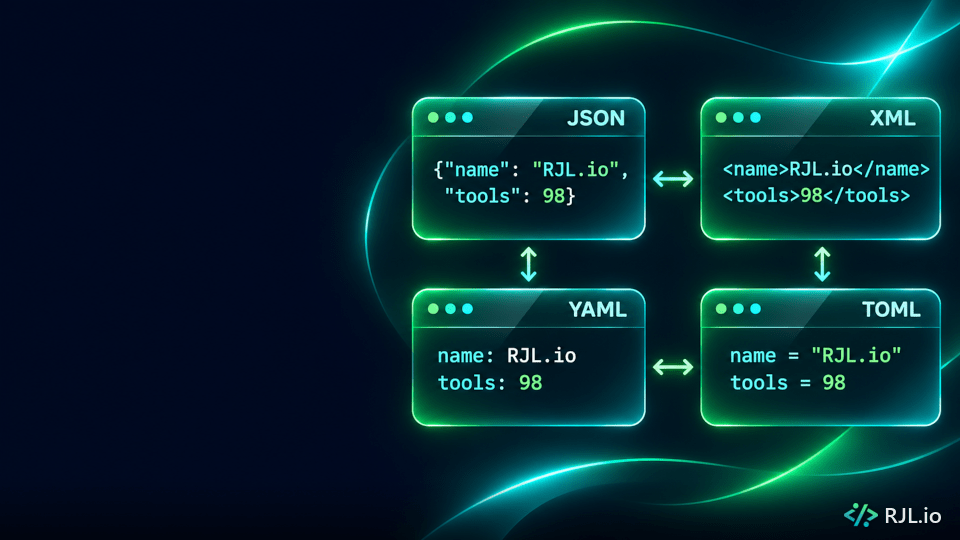
Data Format Converter Tool
Parsing and writing by fast-xml-parser (MIT), smol-toml (BSD-3-Clause) and js-yaml (MIT), loaded from this site.
Common Use Cases
Legacy APIs
Turn an XML response from an older SOAP or RSS service into JSON you can read, or build the XML body a legacy endpoint expects.
Config Files
Move a config between YAML (Kubernetes, GitHub Actions), TOML (Cargo, pyproject, Hugo) and JSON (package.json) without retyping it.
Sitemaps and Feeds
Read a sitemap.xml or RSS feed as JSON to script against it, then audit the sitemap itself with the Sitemap Analyzer.
Find the Broken Line
Paste a file that will not load and get the line and column of the first syntax error, in any of the four formats.
Test Fixtures
Keep one fixture and produce the same data in every format your code accepts, so parsers are tested against identical input.
Private Data
Convert data that contains customer details or secrets without pasting it into an upload-based converter.
Reference: What Changes Between Formats
XML and JSON
- Attributes become keys with the prefix (default
@_), e.g.<url id="1">to{"@_id": 1} - Repeated elements become an array; a single element stays an object
- JSON with several top-level keys is wrapped in the root element you name
- XML comments and processing instructions are not kept
YAML and TOML
- TOML needs a table at the top level; a top-level array cannot be written as TOML
- TOML has no null; keys with null values are dropped
- YAML comments and anchors are not kept when converting away from YAML
- TOML dates are written as dates; other formats get ISO 8601 strings
Frequently Asked Questions
Why We Built the Data Format Converter
Most converter sites give every pair its own page - JSON to XML, XML to JSON, YAML to TOML - and many send your data to a server. This one handles all twelve pairs on one screen in your browser, finds the format for you, and tells you the exact line when the input is broken.
It is built on well-tested open-source parsers rather than our own, and it ties into the RJL.io SEO toolkit: paste a sitemap and it points you to the Sitemap Analyzer. For formatting a single format, see JSON Tools and Pretty Print.