User-Agent Parser
Browser, Device or Bot?
See what your browser says about itself, or paste any user-agent string. Get the browser, engine, operating system, device and CPU, and find out whether it is a search crawler, an AI crawler or an AI assistant fetching a page for someone - with the operator's own page for checking that the bot is real. Nothing is uploaded.
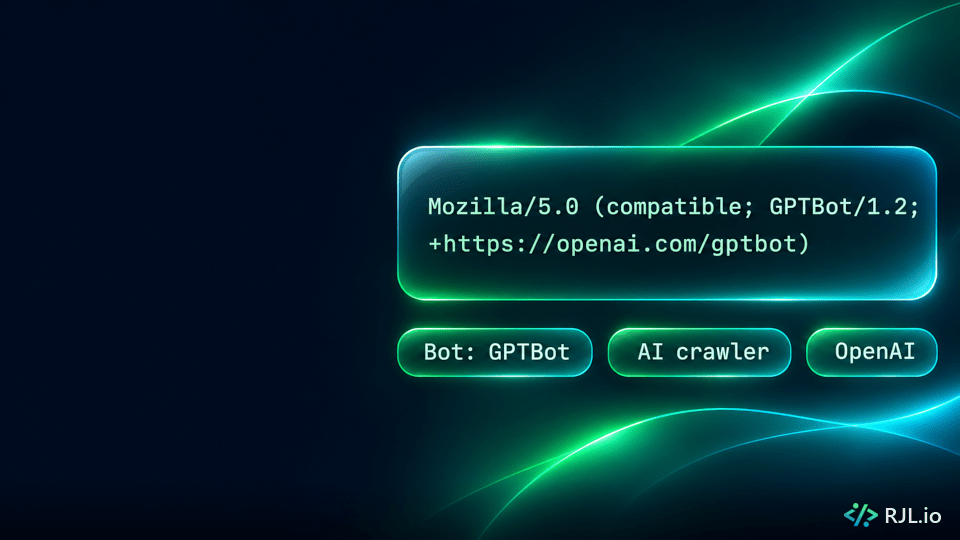
User-Agent Parser Tool
Your browser
The user-agent string your browser sends with every request:
Loading... Parse any user agent
Common Use Cases
Who Is Crawling My Site?
Paste the user agents from your server log and see which are search crawlers, AI training crawlers or AI assistants fetching a page for a person.
Bug Reports
Ask a customer to open this page and copy their user agent, then see their exact browser, version, operating system and device.
Clean Up Analytics
Spot bot and library traffic (curl, Python requests, headless browsers) in an analytics export before it skews your numbers.
Fake Bot Checks
A user agent that claims to be Googlebot or GPTBot can be faked. Each known bot links to its operator's page with the official way to verify it.
Device Testing
Check what a test device or emulator really reports, including Client Hints where the browser supports them.
Server Rules
Confirm the exact bot name before you write a robots.txt rule or a firewall rule for it, so the rule matches what the bot really sends.
Reference: Reading a User-Agent String
The parts of a browser string
Mozilla/5.0- a historical token almost every browser still sends(Windows NT 10.0; Win64; x64)- platform, operating system and CPUAppleWebKit/537.36 (KHTML, like Gecko)- the rendering engine familyChrome/131.0.0.0 Safari/537.36- the browser and its version- Bots usually add
compatible; Name/version; +URLwith a page about the bot
Bot types shown here
- Crawler - visits pages on its own schedule (Googlebot, GPTBot, ClaudeBot)
- AI crawler - a crawler run for AI search or AI training
- AI assistant - fetches one page because a person asked an assistant about it (ChatGPT-User, Claude-User)
- Fetcher, CLI and library - link previewers, command-line tools such as curl, and code such as Python requests
Browsers increasingly freeze or shorten their user-agent string; the full version and device model may only be available through Client Hints.
Frequently Asked Questions
Why We Built the User-Agent Parser
Server logs are filling up with AI crawlers and AI assistants, and a user-agent lookup that only says "Chrome on Windows" no longer answers the real question: who is reading my site, and why? This parser shows the browser and device details people expect, and also says whether a string is a search crawler, an AI crawler or an assistant fetching a page for someone - and where to check that the bot is genuine.
It is built on UAParser.js, the widely used open-source parser, rather than a home-made rule list that would go stale. It is part of RJL.io's free SEO and AI search toolkit: once you know which bots visit, decide which ones get in with the AI Crawler Checker and the robots.txt Generator, and see what they read with What AI Sees.
Parsing by UAParser.js 2.0.10 by Faisal Salman, used unmodified under the AGPL-3.0 license. Its source is at the link above.