Text Encryption
Encrypt and Decrypt in Your Browser
Lock a message with a password and share the result safely. Uses AES-256-GCM, the authenticated encryption built into your browser, with the key derived from your password by PBKDF2-SHA-256 at 600,000 rounds. Your text and password never leave this page.
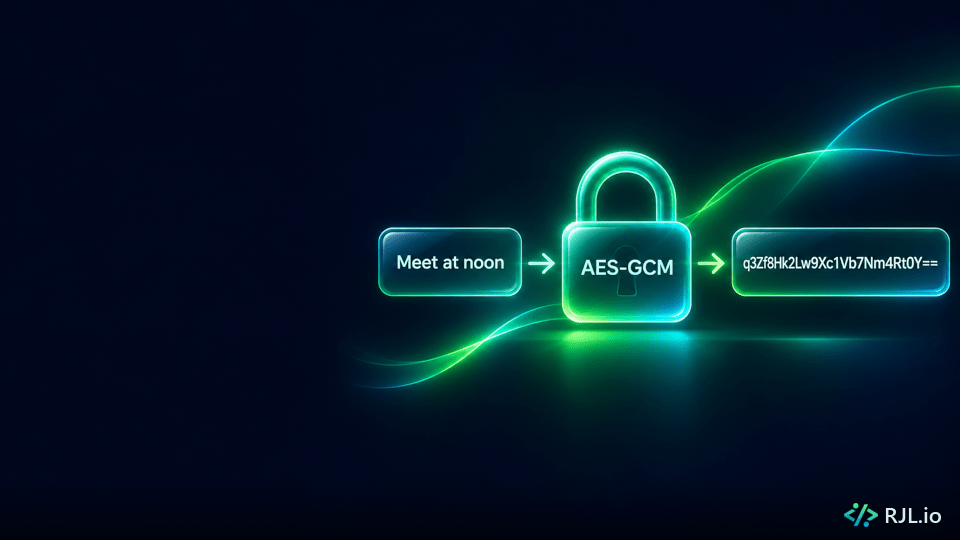
Text Encryption Tool
Format: RJL1: followed by Base64 of a 16-byte salt, a 12-byte IV and the ciphertext with its 16-byte GCM tag. The format is documented below, so any WebCrypto code can decrypt it.
Common Use Cases
Share a Secret
Send a Wi-Fi password, an API key or a recovery code through email or chat as encrypted text, and give the password another way, such as a phone call.
Private Notes
Keep a sensitive note in a shared document or ticket without leaving it readable to everyone who opens it.
Test Data
Produce real AES-GCM ciphertext to test the decryption code in your own app, using the documented format.
Learning Cryptography
See how salt, IV and key derivation fit together, and why changing one character of the ciphertext makes decryption fail.
No Account Needed
Unlike secret-sharing services, nothing is stored on a server: the encrypted text is the whole message.
Works Offline
Once the page has loaded, encryption and decryption need no connection at all.
Reference: How the Encryption Works
The steps
- A random 16-byte salt and 12-byte IV are made with
crypto.getRandomValues - PBKDF2 with SHA-256 and 600,000 rounds turns password + salt into a 256-bit key
- AES-GCM encrypts the UTF-8 text and adds a 16-byte authentication tag
- Salt, IV and ciphertext are joined, Base64-encoded and prefixed with
RJL1:
What it does not protect against
- A weak or guessed password - use a long, random one
- Sending the password in the same message as the encrypted text
- A compromised device that records what you type
- Lost passwords: there is no recovery, by design
Frequently Asked Questions
Why We Built Text Encryption
Many "encrypt text online" sites send your text to their server, use outdated modes with no tamper check, or never say how they encrypt. This tool uses the browser's own Web Crypto API with modern, authenticated encryption, explains every step and the format, and never sees your text or password.
It is one of the privacy-first developer utilities on RJL.io, alongside the free SEO and AI search toolkit. For one-way fingerprints use the Hash Generator, and for strong passwords the Password Generator.