Mermaid Live Editor
Text to Diagram, SVG and PNG
Type Mermaid, see the diagram. Flowcharts, sequence, class, state, ER, Gantt, pie, mind map, timeline and Git graph templates, four themes, zoom and pan, SVG and PNG export at up to 4x, and a share link that keeps your diagram in the URL fragment. 100% client-side. Zero data stored.
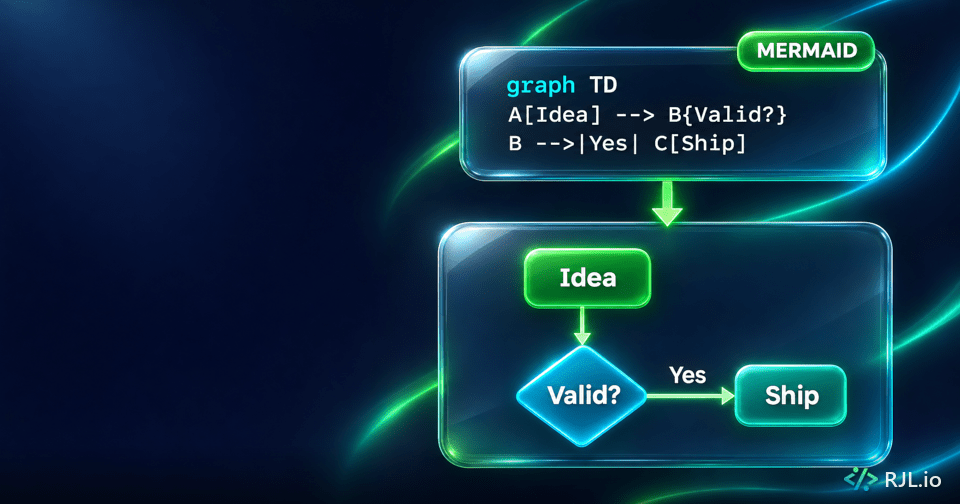
Mermaid Live Editor Tool
100% client-side. The drawing engine (about 1.1 MB over the network) loads once, when you start typing or click Render.
0 lines, 0 characters. The preview updates a moment after you stop typing.
Preview
Drag to pan. Zoom with the buttons, or hold Ctrl and use the mouse wheel. Click the preview and press + - 0 or the arrow keys.
Export and Share
Render a diagram to enable the downloads.
The share link holds your compressed diagram text after the # sign. Browsers never send that part of a URL to any server, so nobody receives it unless you send them the link. Diagrams run in Mermaid's strict security mode: links, click actions and scripts in labels are disabled.
Common Use Cases
README and Docs Diagrams
Draft the diagram here, check it renders, then paste the text into a fenced mermaid block in your README, wiki or docs site.
Architecture and API Flows
Sketch a request through your services as a sequence diagram, or a deployment pipeline as a flowchart, before it goes in a design review.
Database Models
Describe tables, keys and relationships as an entity relationship diagram, and export an SVG for the schema document.
Plans and Timelines
Turn a project plan into a Gantt chart or a company history into a timeline, then download a PNG for the slide.
Share Without a Server
Send a colleague a link that opens your exact diagram. It lives in the URL fragment, so no account, upload or server is involved.
Learn Mermaid Syntax
Start from a template for each diagram type, change a line and watch the picture change. Parse errors name the line to fix.
Mermaid Syntax Quick Reference
Flowchart Shapes and Links
| Write | You get |
|---|---|
| A[Text] | Rectangle |
| A(Text) | Rounded rectangle |
| A{Text} | Diamond (a decision) |
| A((Text)) | Circle |
| A --> B | Arrow from A to B |
| A --- B | Line without an arrowhead |
| A -.-> B | Dotted arrow |
| A -->|label| B | Arrow with text on it |
First Line of Each Diagram Type
| Diagram | Starts with |
|---|---|
| Flowchart | flowchart TD |
| Sequence | sequenceDiagram |
| Class | classDiagram |
| State | stateDiagram-v2 |
| Entity relationship | erDiagram |
| Gantt | gantt |
| Pie | pie |
| Mind map | mindmap |
| Timeline | timeline |
| Git graph | gitGraph |
Themes
Default, Neutral (good for print), Dark and Forest. Your own frontmatter or a theme directive in the text wins over the menu.
PNG limits
A PNG is capped at 16,384 pixels on a side and 100 megapixels, so a very large diagram at 4x is scaled down and the note says so.
Strict mode
Click actions, links and HTML in labels are turned off on purpose, so a diagram from someone else cannot run code in your browser.
Size limits
Mermaid reads up to 50,000 characters and 500 connections per diagram. Past that it refuses, and the editor tells you.
Frequently Asked Questions
Mermaid is a text language for diagrams: you write a few lines and a renderer draws the picture. This editor includes templates for flowcharts, sequence diagrams, class diagrams, state diagrams, entity relationship diagrams, Gantt charts, pie charts, mind maps, timelines and Git graphs, and Mermaid also draws other types such as user journeys and quadrant charts when you write them.
Render the diagram, pick a PNG scale from 1x to 4x and a background (white, transparent, or matching the theme), then click Download PNG or Download SVG. The SVG is a stand-alone file with a real pixel size that opens in a browser, Figma, Inkscape and most editors. Copy SVG puts the same text on your clipboard.
No. The drawing engine is downloaded once and runs in your browser, so your text never leaves your device. Nothing is saved on a server, in a cookie or in local storage, and the editor starts empty on your next visit unless you open a share link.
Copy share link compresses your diagram text and theme and puts them in the URL fragment, the part after the # sign. Browsers never send the fragment to a server, so the link works without any storage, and the text is only visible to people you give the link to. Anyone with the link can read the diagram, so do not share one that holds secrets.
The drawing engine is large, about 5.5 MB of code that compresses to about 1.1 MB over the network, so it is not loaded until you start typing, pick a template or click Render. Your browser keeps it afterwards, so later visits draw straight away. Opening a share link loads it immediately because you came to see a diagram.
Mermaid is strict about its syntax. The red box shows the message and, when Mermaid gives one, the line number and the text of that line. The last diagram that rendered stays on screen below it, so a typo while you are typing never wipes your work. Common causes are a missing diagram keyword on the first line, an arrow written as -> instead of -->, and unquoted special characters in a label.
By default labels are drawn as plain SVG text, which exports cleanly to PNG and opens correctly in every editor. Turning HTML labels on draws labels as web page text, which wraps a little more nicely in the browser but may show blank or misaligned text when the SVG is opened in Inkscape, Figma or an email client, and some browsers refuse to turn it into a PNG.
Yes. GitHub, GitLab and many documentation tools draw a fenced code block marked mermaid, so you can paste the text from the editor straight into a Markdown file. If your platform does not, export an SVG or PNG and add it as an image. Different tools bundle different Mermaid versions, so a very new feature may need a newer version than your platform has.
A diagram can hold up to 50,000 characters and 500 connections, and a PNG is capped at 16,384 pixels on a side and 100 megapixels. Strict security mode is always on, so click actions and links inside diagrams do nothing. Diagrams that load icon packs from the internet will not show those icons, because this editor makes no requests to other sites. There is no account, no saved history and no real-time collaboration.
Why We Built the Mermaid Live Editor
Diagrams that live as text are easy to review, diff and keep next to the code, and Mermaid has become the usual way to write them in READMEs and design docs. The catch is that you cannot see a mistake until it is committed and rendered somewhere else. A live editor closes that loop: type, look, fix, and only then paste.
This editor draws as you type, keeps the last good diagram on screen when a line has a typo, and tells you which line to fix. You can zoom and pan large diagrams, export an SVG that opens everywhere or a PNG at up to 4x with a white or transparent background, and send a share link whose diagram text sits in the URL fragment, which browsers never send to a server. Everything runs in your tab, in Mermaid's strict security mode.
The Mermaid Live Editor is part of RJL.io's collection of free developer tools. Write the surrounding document in the Markdown Viewer, compare two versions of a diagram with the Diff Checker, or format a payload with JSON Tools.