Keycode Finder
Press Any Key
Press a key and see every value JavaScript gets for it. event.key, event.code, location and modifiers, plus the deprecated keyCode and which numbers old code still reads, a ready-to-paste listener, and a warning when the shortcut is already taken by the browser or a screen reader.
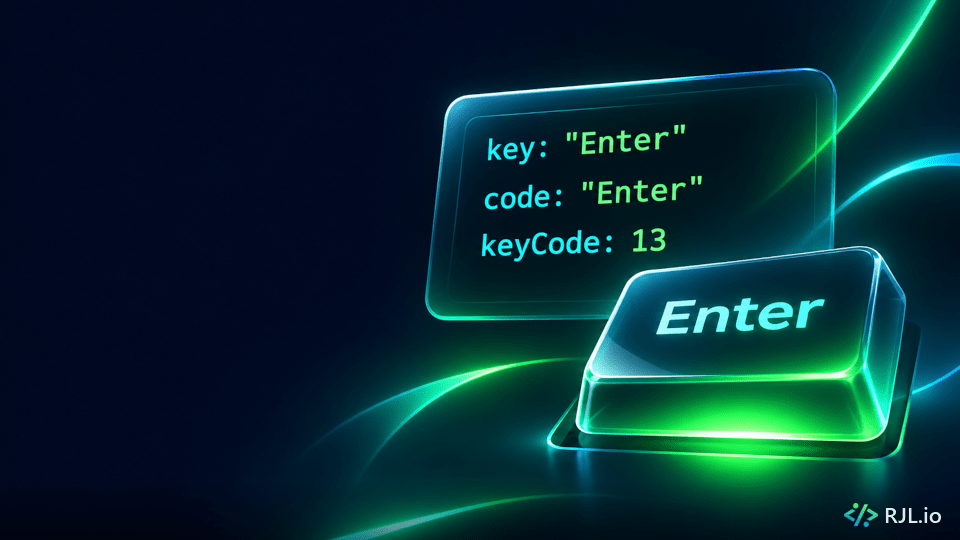
Keycode Finder Tool
Press any key
Click here first if keys do nothing. Tab moves focus away, so press it last.
keyCode 13
Event values
Listener for this key
Recent keys
Common Use Cases
Keyboard Shortcuts
Get the exact event.key and modifier values for a shortcut, and see whether the browser or a screen reader already uses it.
Game Controls
Use event.code for WASD-style controls so they stay in the same place on AZERTY, Dvorak and other layouts.
Legacy Code
Find out which number an old keyCode === 13 check is looking for, then replace it with the readable event.key value.
Debugging Keyboards
Check what an unusual keyboard, a remote or a numeric keypad really sends, including the left and right versions of Shift and Ctrl.
Accessibility Checks
Avoid single-key shortcuts that clash with screen readers, or give people a way to turn them off, as WCAG 2.1.4 asks.
Learning JavaScript
See the difference between key, code and the old keyCode live, which explains more than any table.
Reference: key, code and keyCode
event.key
The character or name the key produces, after the keyboard layout and Shift: "a", "A", "Enter", "ArrowUp". Use it for text and most shortcuts.
event.code
The physical key position, the same on every layout: "KeyA", "Digit1", "ShiftLeft". Use it for game controls and position-based shortcuts.
event.keyCode (deprecated)
An old number such as 13 for Enter. It is deprecated and inconsistent across layouts and browsers; read it only to understand legacy code.
Frequently Asked Questions
Why We Built the Keycode Finder
Every front-end developer has looked up "what is the keyCode for Enter" more than once. Most pages answer with the deprecated number only. This one shows all of it at once - event.key, event.code, location and the modifiers - so you can write the modern check, and it warns when a shortcut you are about to bind is already used by the browser or by screen readers.
It is one of the developer utilities on RJL.io, next to the free SEO and AI search toolkit. Building an accessible site? Check the whole page with the SEO Analyzer, which also reports missing labels and alt text.