File Type Detector
What Is This File?
Find out what a file really is, whatever its name says. The detector reads the signature bytes at the start of the file and knows 200+ formats, then shows the real extension and MIME type, warns about a mismatched name and shows a hex view.
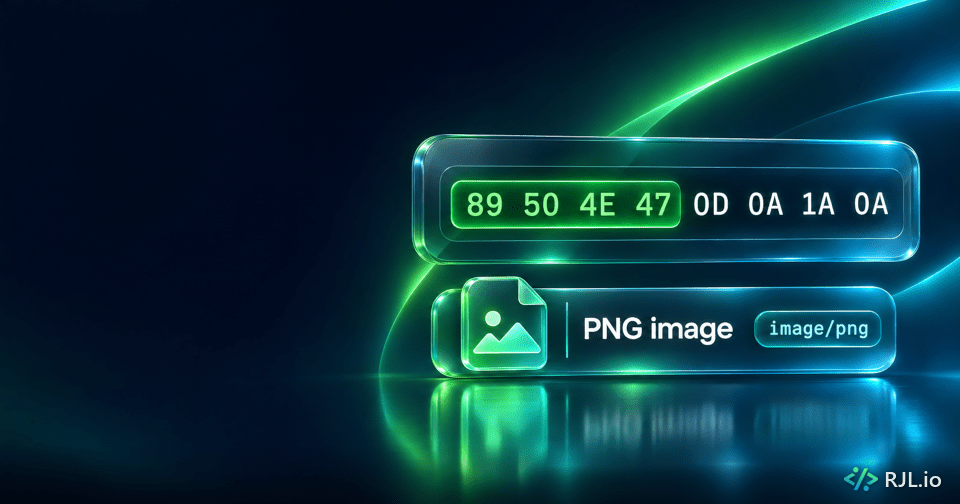
File Type Detector
Common Use Cases
Files With No Extension
Find out what a download, an attachment or a file pulled from a backup is when it has no extension at all.
Spot Disguised Files
Catch an executable or archive renamed to look like a PDF or a photo before you open it.
Upload Validation
See which MIME type and signature your server should check, instead of trusting the file name a user sent.
Wrong Image Extension
Find the WebP saved as .jpg or the PNG saved as .gif that makes some programs refuse to open it.
Checksums
Get the SHA-256 of a file to compare it with the one the publisher lists.
Learning Formats
See the magic numbers - like %PDF, PK and the PNG signature - in the hex view.
Frequently Asked Questions
Why We Built the File Type Detector
File names lie. Downloads arrive without extensions, photos get saved with the wrong one, and attackers rename programs to look like invoices. The bytes at the start of a file do not lie, so this tool reads them and tells you what the file really is.
It is one of the developer utilities on RJL.io, next to the free SEO and AI search toolkit. Serving files from a site? Check how they are sent with the Gzip and Brotli Size Checker and audit the page with the SEO Analyzer.