Emoji Picker
Find, Copy, Use Anywhere
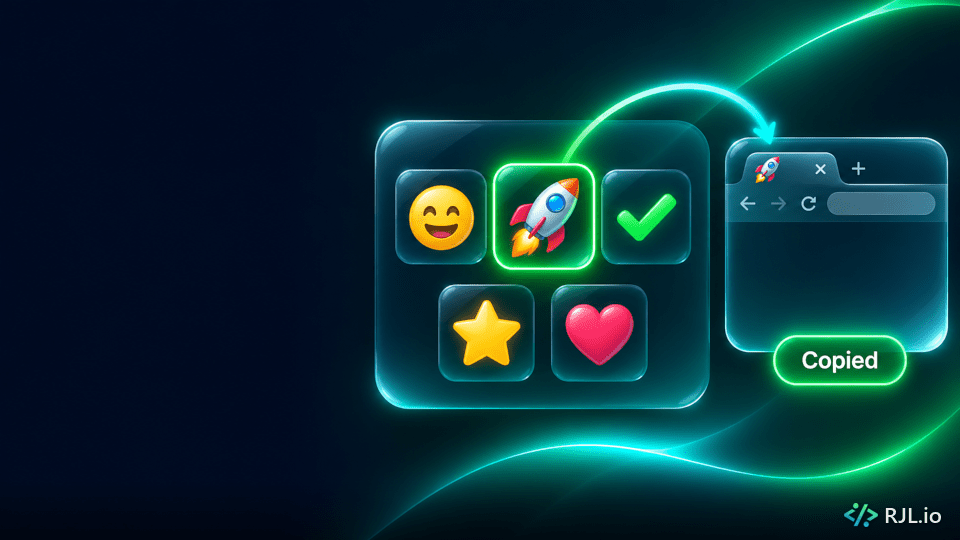
Search every emoji and copy it with one click. Get its name, shortcodes, Unicode code point and the HTML, CSS, JavaScript and URL escapes, pick a skin tone, and turn any emoji into a favicon for your site. Nothing is uploaded.
Emoji Picker Tool
grinning face
:grinning:
Emoji in titles and descriptions
Google decides whether to show emoji in a search result and may leave them out. Use one at most, never in place of words, and check how the title looks with the Meta Tag Generator's previews.
Common Use Cases
Copy and Paste
On a computer without an emoji keyboard, search by name and click to copy - ready for a chat, email, document or social post.
Instant Favicon
Give a side project, demo or internal tool a tab icon in seconds with a one-line SVG emoji favicon, no image file needed.
Code and Markup
Get the exact escape for HTML, CSS content, JavaScript strings or a URL, so the emoji survives any file encoding.
Shortcodes
Find the :shortcode: that Slack, GitHub and Discord understand, so you can type it next time without the picker.
Skin Tones
Choose one of six skin tones once; every emoji that supports it is shown and copied in that tone.
Marketing Copy
Add an emoji to a social post or email subject, and check how a page title with one looks before you publish it.
Reference: Writing an Emoji in Code
The same emoji, five ways (grinning face, U+1F600)
- HTML:
😀or😀 - CSS content:
"\1F600" - JavaScript:
"\u{1F600}"(or the surrogate pair"😀") - URL:
%F0%9F%98%80(its UTF-8 bytes) - Unicode name: GRINNING FACE
Why some emoji are several code points
- Skin tones add a modifier code point after the base emoji
- Families and professions join emoji with a zero-width joiner (U+200D)
- Flags are two regional indicator letters
- A variation selector (U+FE0F) asks for the color emoji style
- Systems without a newer emoji show its parts or an empty box
Frequently Asked Questions
Why We Built the Emoji Picker
Most emoji sites are a wall of ads around a grid you have to scroll. This one is a fast, searchable picker with nothing in the way, and it gives developers what they actually need from an emoji: the code point and the exact escape for HTML, CSS, JavaScript and URLs.
It also ties into the rest of RJL.io's SEO toolkit: turn an emoji into a favicon here or as a full icon set with the Favicon Generator, then check how a title with an emoji looks in search and share previews with the Meta Tag Generator. The picker is built on the open-source emoji-picker-element library.